Seamless integration
Connect any broker's platform without typing server addresses or handling server files. Just search and select the server.
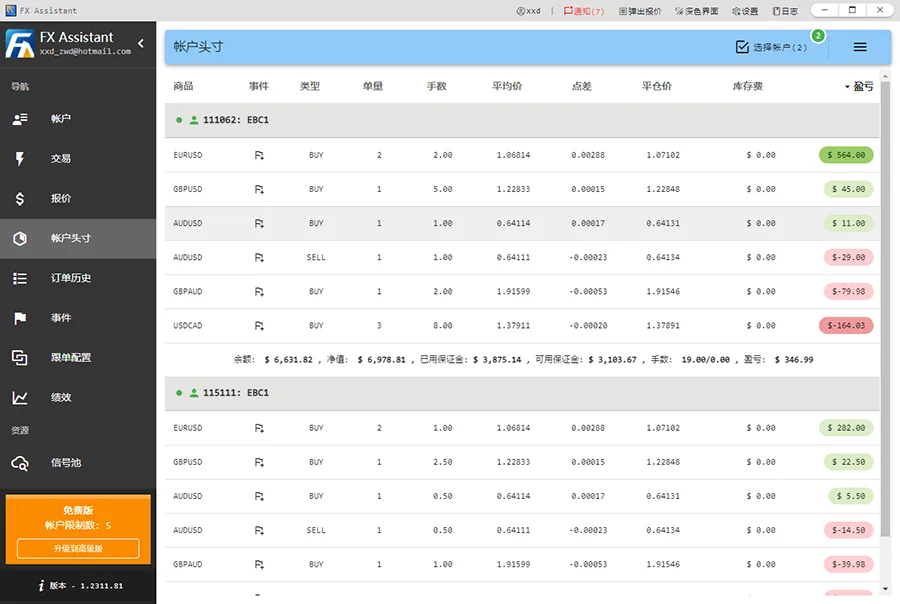
Multi-account trading and copy management with live order P/L and headcount statistics.
Bring accounts spread across several brokers into one terminal: bulk ordering, cross-platform copy trading, event-based risk control and performance analytics — all processed locally.
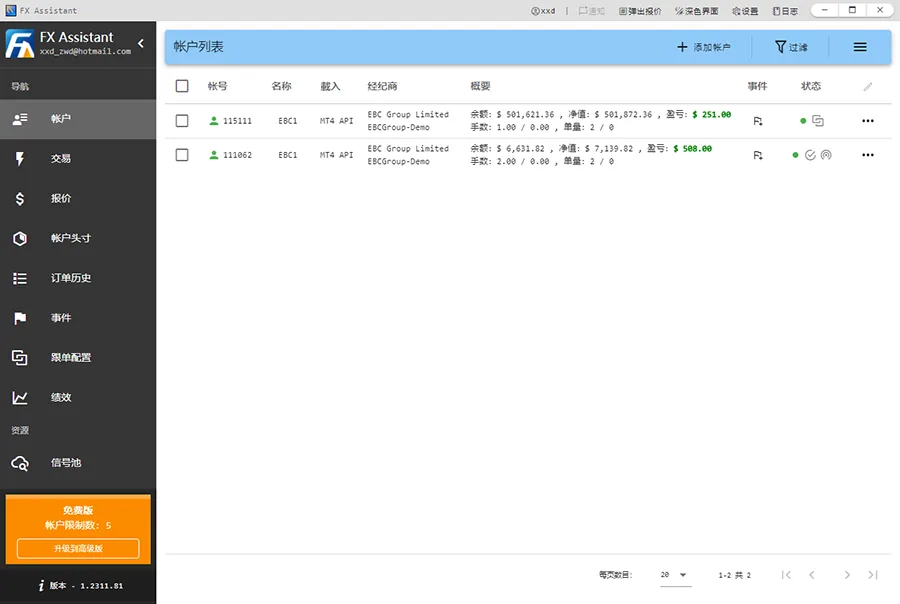
Connect any broker's platform without typing server addresses or handling server files. Just search and select the server.
Multi-account trading and copy management with live order P/L and headcount statistics.
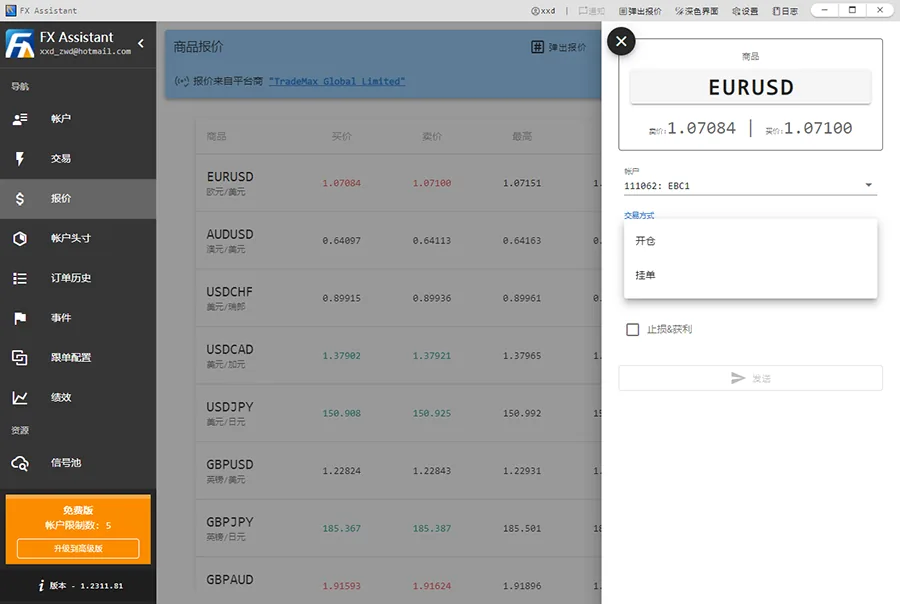
Open, close and modify orders across accounts at once, including take-profit and stop-loss. Historical performance charts included.
Additional account, group, position and order events work as a risk-control toolkit.
A powerful copy-trading engine covers the signal-provider workflow, so managing multiple accounts stays under control.
The software runs locally on your PC or cloud server — account data never leaves your machine.
Add accounts without opening a terminal. Search the platform server list or configure manually.
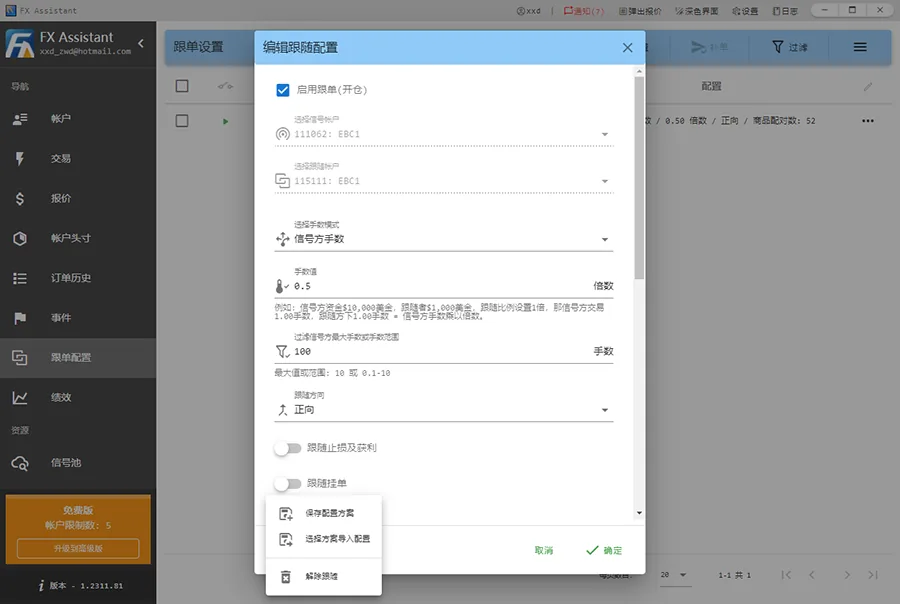
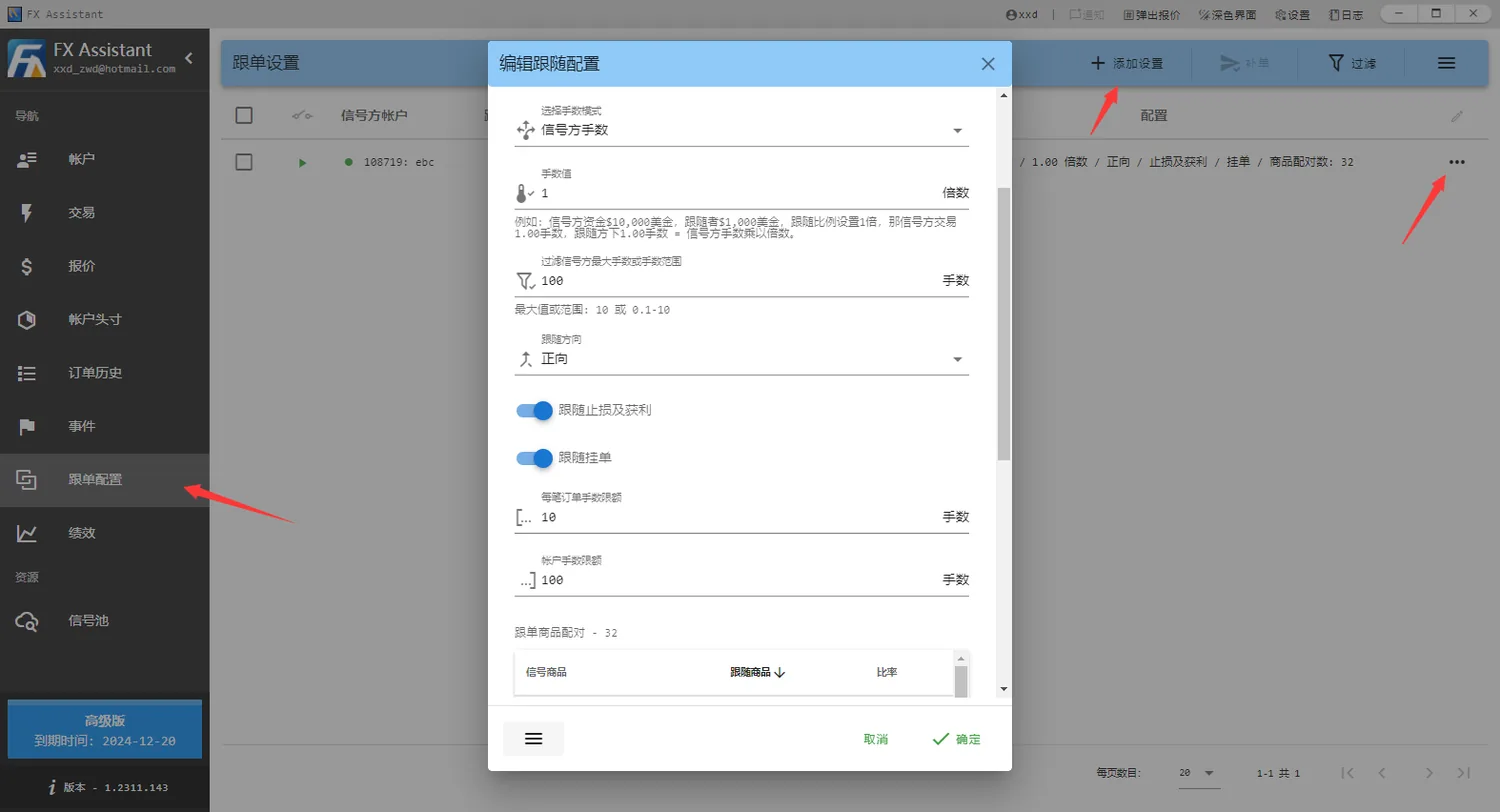
Pair by balance ratio, signal lot size or fixed lots, with forward or reverse copying.
Batch take-profit/stop-loss, close, replenish, group and aggregate by position.
When the signal partially closes, followers scale down in step. Email alerts for disconnects and quotes.
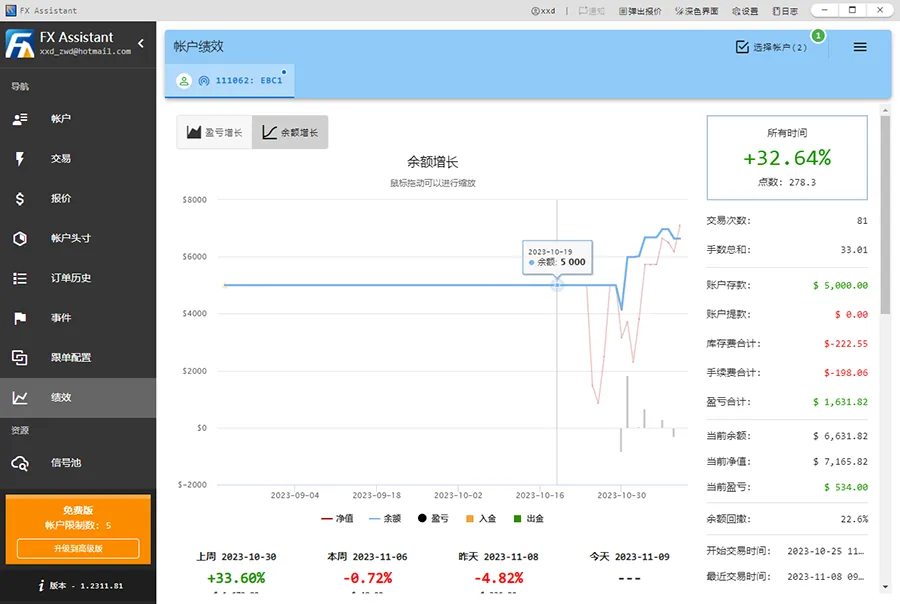
Account, group, position and order level events plus equity and balance curves.
Custom features available on request. Local installation, fully under your control.
A single signal account can drive multiple follower accounts. Lot sizes convert automatically from the balance ratio, and a symbol mapping table handles different contract sizes — MT4 and MT5 can copy each other.
Balance ratio, signal lot size or fixed lots. Lots convert automatically from the balance ratio between accounts.
Copy the signal direction as-is, or invert it for hedging and counter-trend strategies.
Map signal symbols to follower symbols with a ratio, so different contract sizes across platforms still line up.
When a signal partially closes, followers scale down instead of being closed out entirely.
Choose independently whether to mirror stop-loss/take-profit and whether to copy pending orders.
Cap lots per order and per account, and filter out unusually large or small signal orders.
Mismatched account sizes are the usual reason copy trading goes wrong. FX Assistant converts lots from the balance ratio between the two accounts — you only set one multiplier.
Example: signal account $10,000, follower account
$1,000, multiplier 1. When the signal opens
1.00 lot, the follower opens 0.10 lot automatically.
With the desktop app running, open the web app in a mobile browser to check accounts, orders and copy-trading status — no need to sit at your computer.
Sign in to FX Assistant and turn on the Web Connection Service. Note your username and 16-digit key.
Visit my.fxasst.com in a mobile browser — or use a direct connection on the same network.
Use the same email or phone number as the desktop, plus the 16-digit key.
Open it in a mobile browser — no remote desktop software to install.
Cloud relay works over mobile networks without exposing a public port.
On the same network, direct connection keeps traffic local.
A 16-digit key, with only one web session allowed per desktop.
Some features are available in the Advanced edition only.
| File | Size | Updated | Action |
|---|---|---|---|
| fxasst_1.2611.200.zip Recommended | 76.68 MB | 2026-11-20 | Download |
| vc_redist.x86.exe | 13.79 MB | 2025-12-23 | Download |
Installation tip: if components are quarantined by antivirus software, add the
FX Assistant installation folder to the Windows exclusion list. Install vc_redist.x86.exe
first if the runtime is missing.
The free plan manages 5 accounts with no time limit. The Advanced edition removes the account and copy-configuration limits.